Native to your Mac Your data stays local You choose every action
A little understanding goes a long way
Less guesswork. More control.
From a busy browser to a nearly full disk, follow the weight back to its source.
01 / Running apps
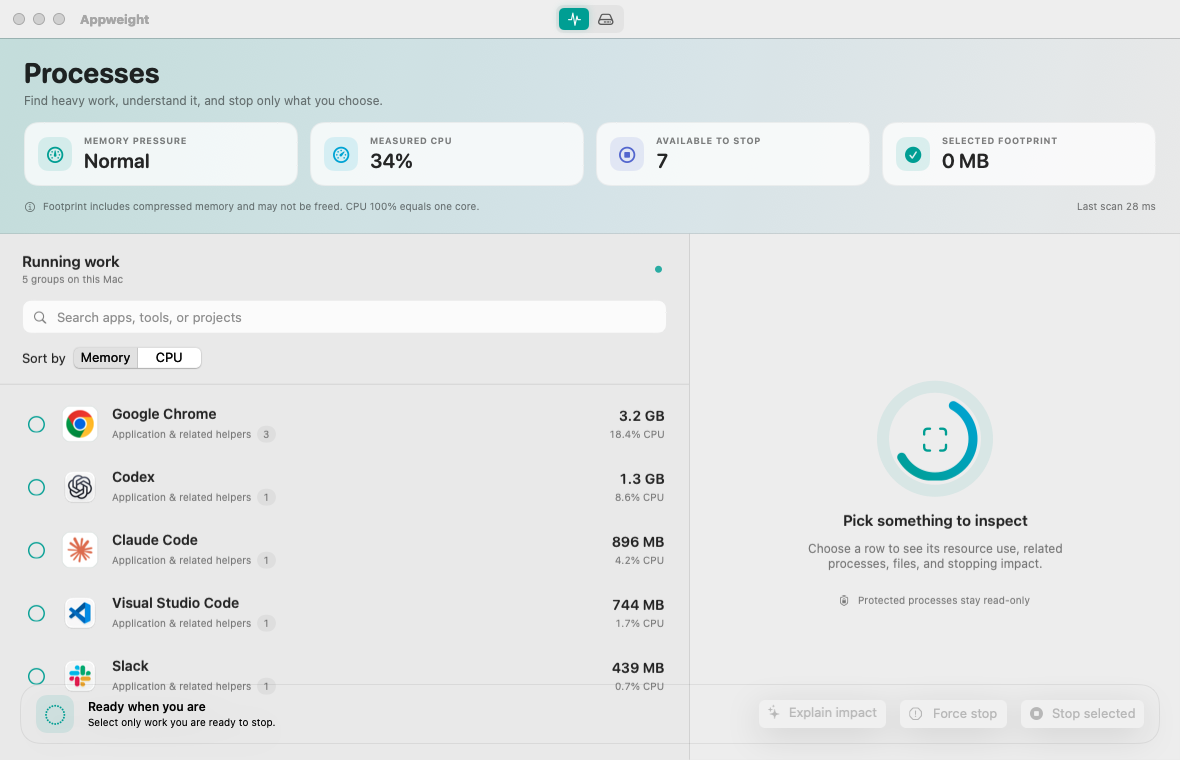
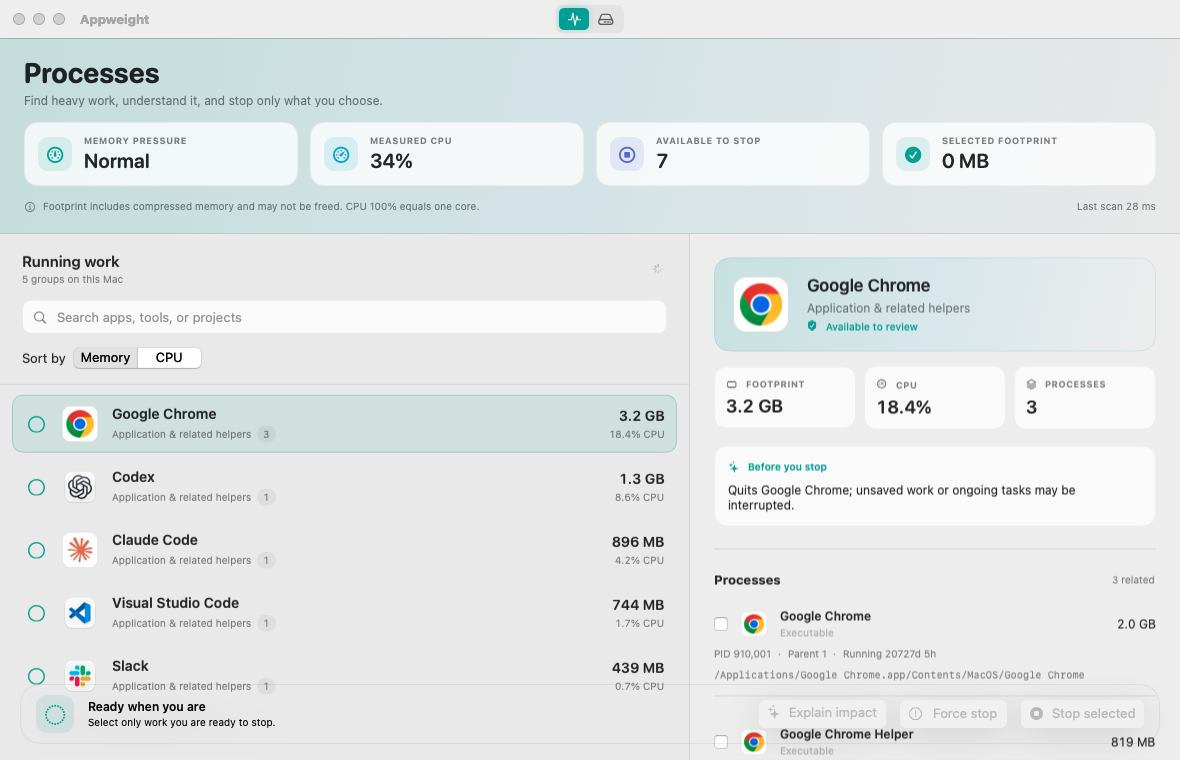
The whole app. Not just its helpers.
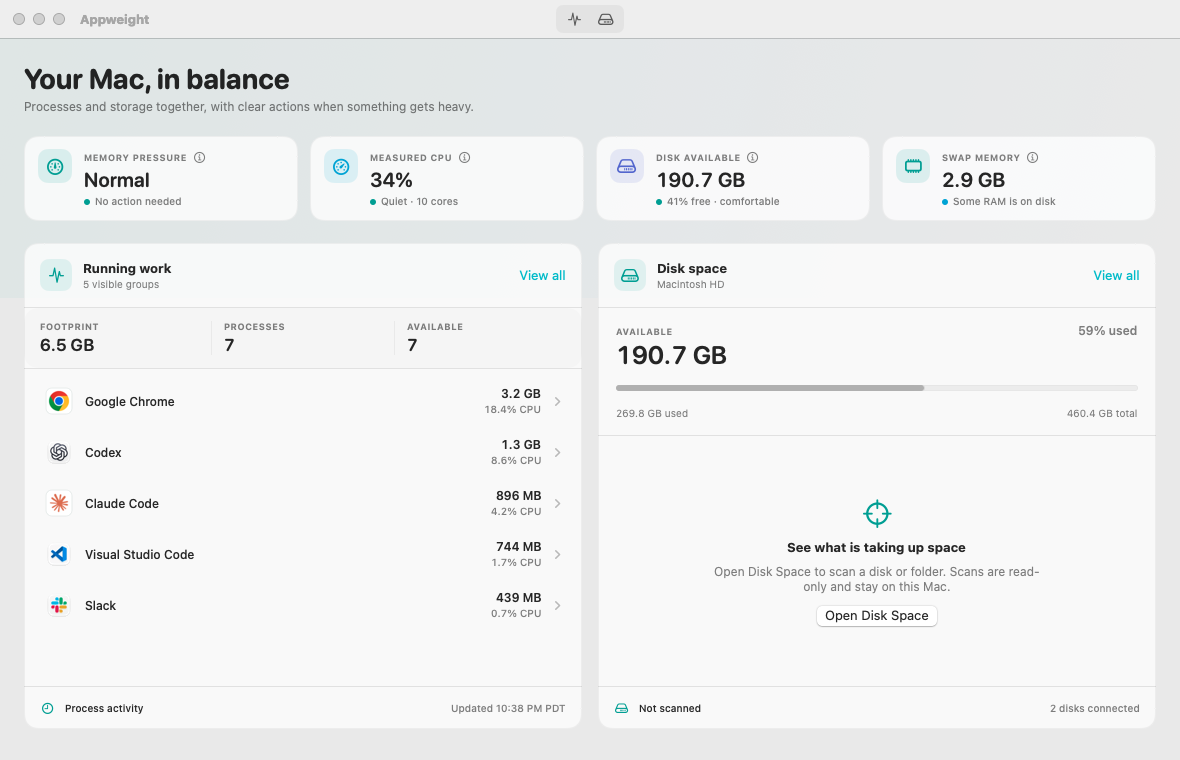
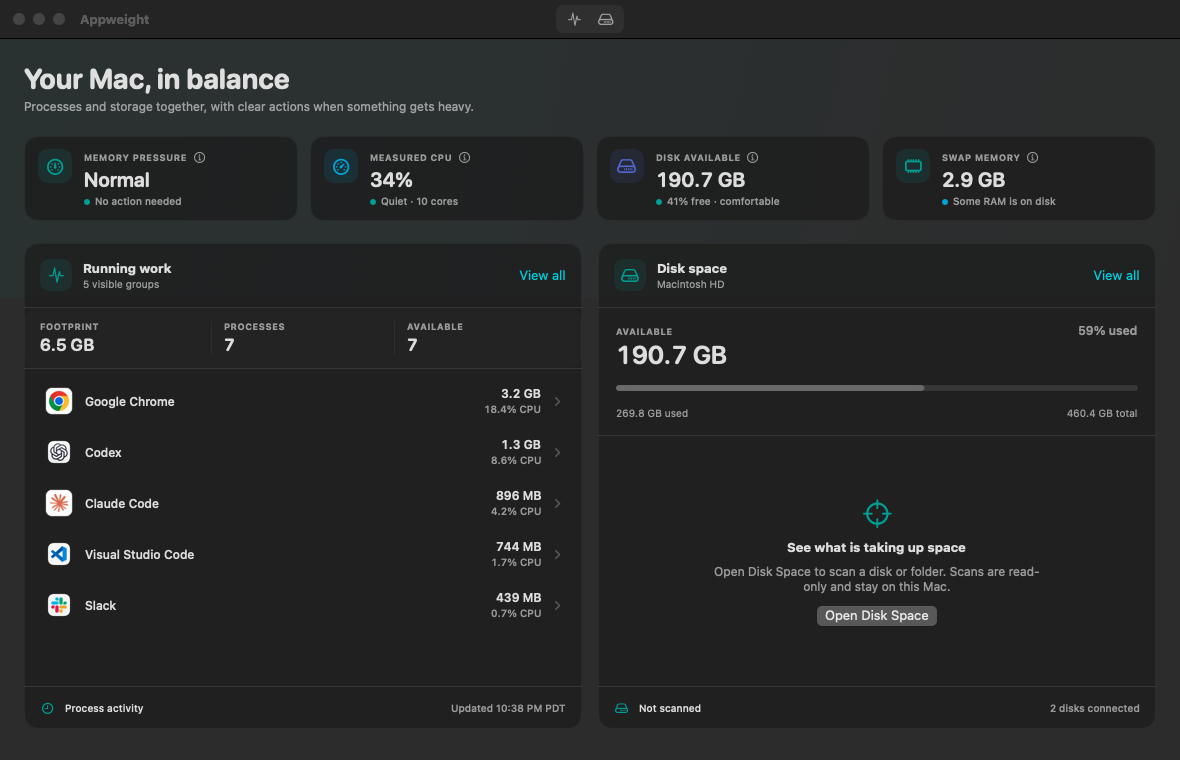
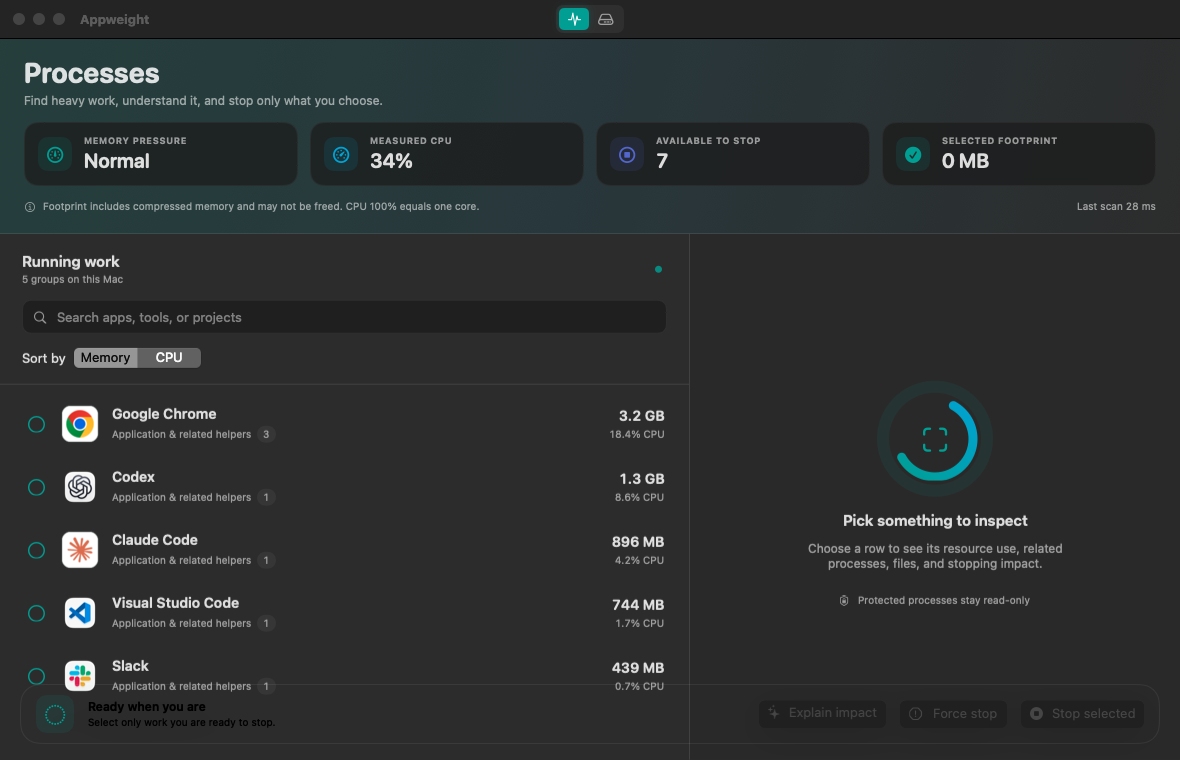
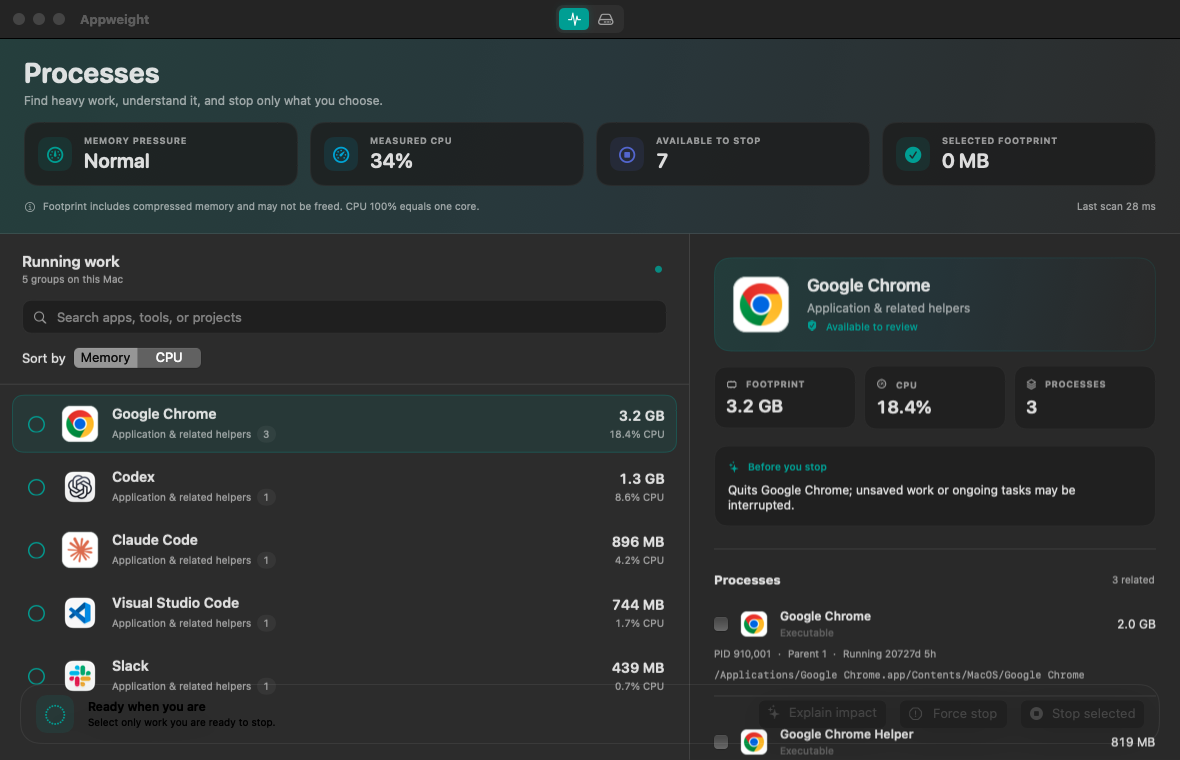
Chrome tabs, coding sessions, background helpers. See related processes together, with their combined CPU and memory use.
Total CPU and memory for each app
Every related process available to inspect
Protected system work stays read-only
02 / Disk space
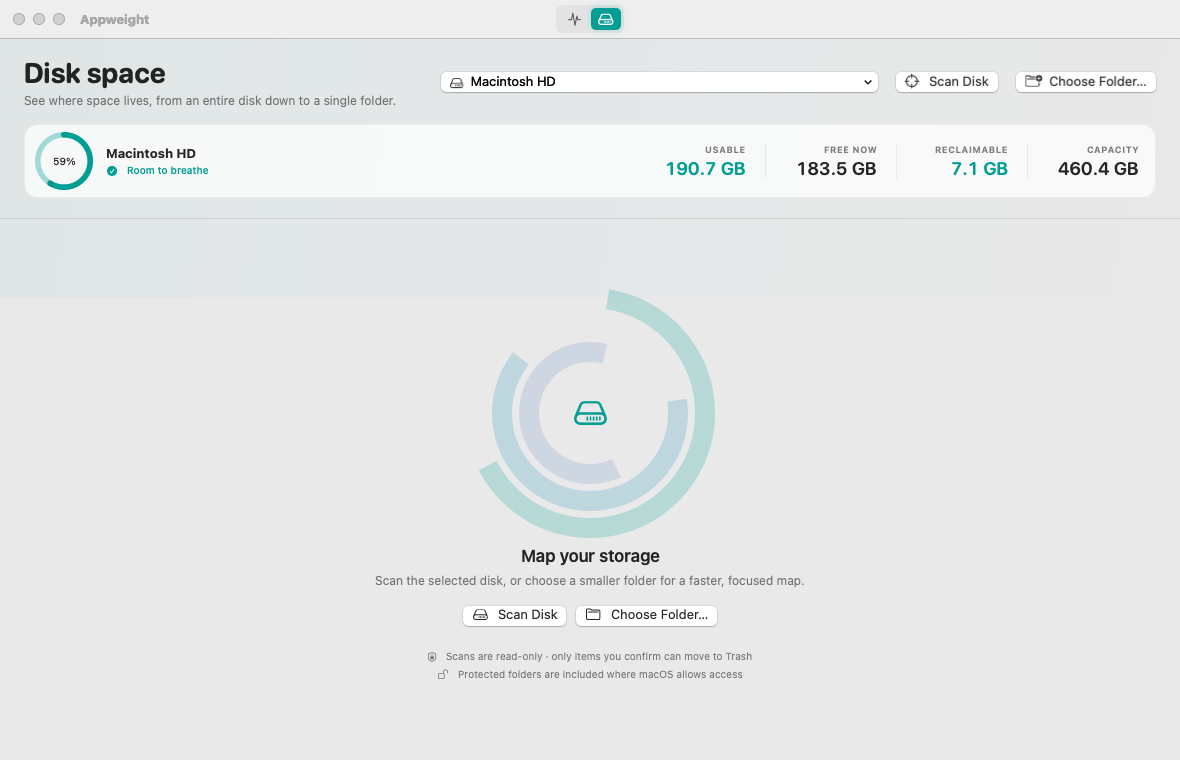
Find your space. Before you run out.
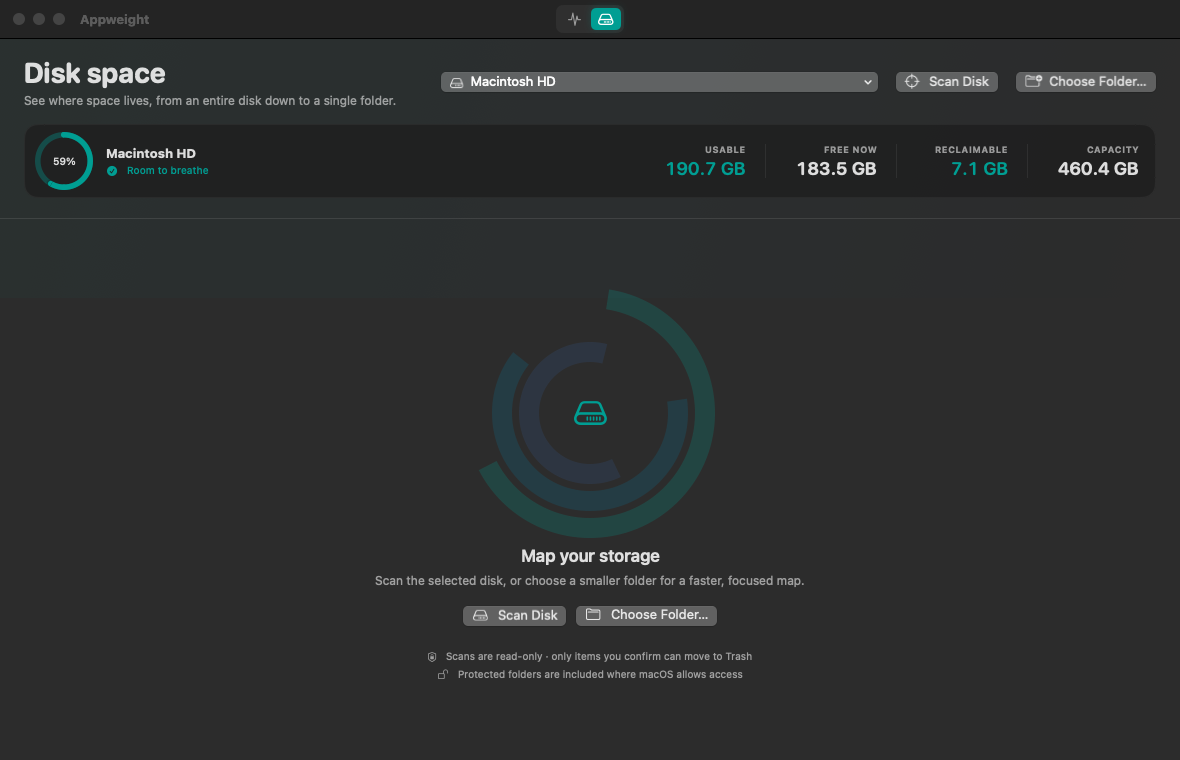
Start with your Mac or an external disk. Explore the folders taking up room, review large files, and decide what’s worth keeping.
Fast local scans with useful progress
Clear estimates for files and bytes remaining
No uploads and no hidden deletion
03 / The details
A number is a start. Context is better.
Open an app to see its footprint, related helpers, and stopping impact. The details are there when you need them.
Inspect individual processes
See the app’s combined resource use
Choose exactly what to stop
04 / Your decision
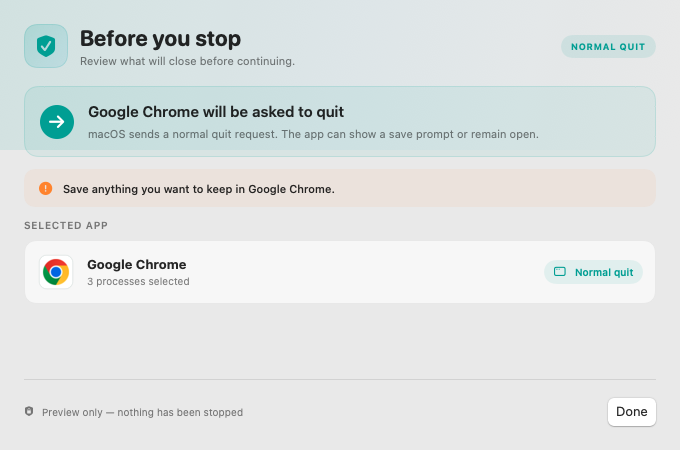
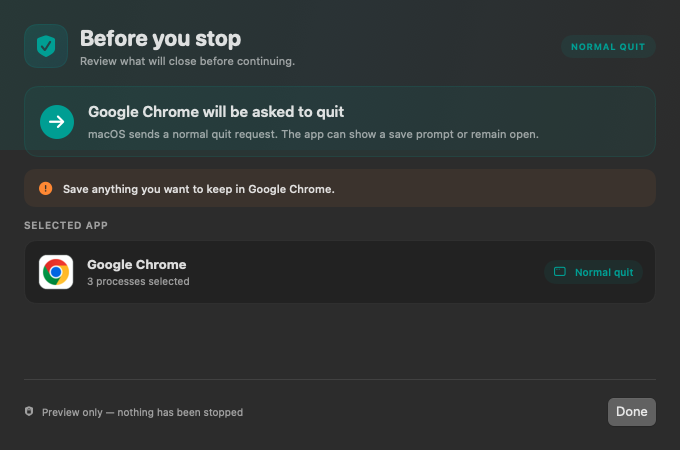
A moment to review. Before you act.
Understand what stopping an app could interrupt. Review cleanup before anything moves to Trash. Protected work stays protected.
Force stop requires a separate decision
Cleanup moves eligible items to Trash
System, cloud, and stateful data stays protected
Private by default
Your Mac stays on your Mac.
Your processes and files don’t need to visit a server to make sense. Scans and duplicate checks happen right here, on your Mac.
Scanning
Local
Analytics
None
Cleanup
Trash only
Protected data
Read-only
Common questions
Good to know.
Does Appweight delete files automatically?
No. Disk scans are read-only. Cleanup always requires confirmation, and eligible items move to macOS Trash instead of being permanently deleted.
Do I need Full Disk Access?
No. Appweight works without it and marks folders macOS did not allow it to measure. Full Disk Access is optional if you want the most complete storage map.
Which Macs are supported?
Appweight supports Apple silicon Macs running macOS 14 or later.